
Broadband speeds in Ireland – Check your Internet speed
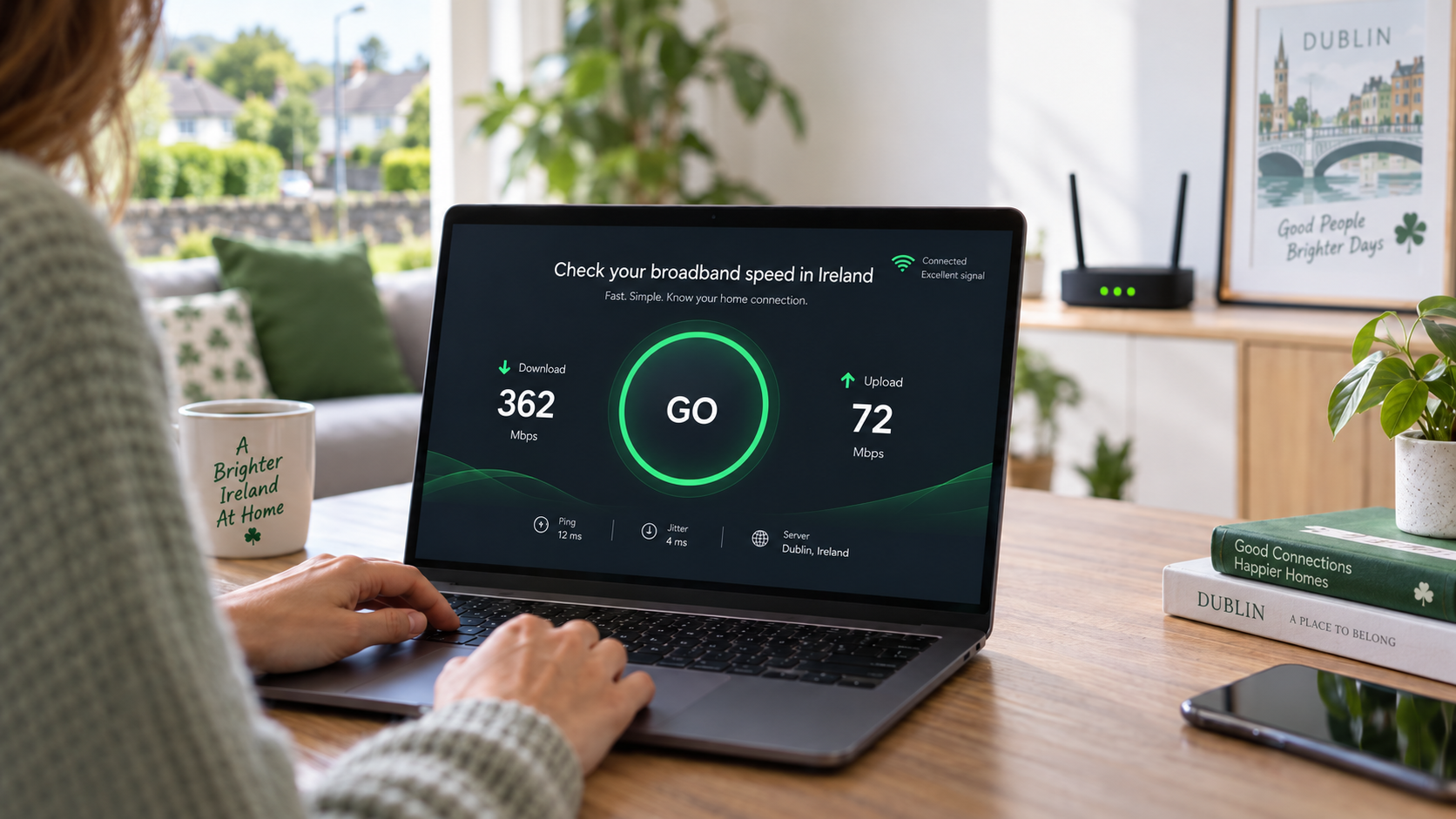
Run a quick speed test below to see what speed you're actually getting.
If the speed is good at the router but poor around the house, the issue is often the WiFi rather than the broadband itself.
Check your broadband speed
Click GO to run the test.
Ideally, test once beside the router and again in the room where the WiFi is poor.
If you can test by Ethernet at the router, even better.
What broadband speed do I need at home?
For a busy family home, we'd normally recommend 300 Mbps or more where fibre is available.
100 Mbps can still be fine in a lighter-use home, but 300–500 Mbps gives much more breathing room when several people are streaming, gaming or working from home at the same time.
| Download speed | How we'd describe it |
|---|---|
| Under 50 Mbps | Quite limited for a busy home. |
| 50–100 Mbps | Fine for lighter use. |
| 100–300 Mbps | Good, but can get stretched with several users. |
| 300–500 Mbps | A good target for most busy family homes. |
| 500 Mbps–1 Gbps | Excellent for larger or high-use households. |
| 1 Gbps+ | More than most homes need day to day. |
These are practical guidelines rather than hard limits.
How much speed does each activity use?
Most individual activities don't actually need huge speeds. It's when several people are online at once that the total starts to add up.
| Activity | Practical speed |
|---|---|
| Web browsing & email | 5 Mbps+ |
| Social media | 5–10 Mbps+ |
| Music streaming | 5 Mbps+ |
| Online gaming | 25 Mbps+ |
| Cloud gaming | 25–50 Mbps+ |
| Zoom / Teams calls | 5–10 Mbps up & down |
| HD streaming | 10 Mbps+ |
| 4K streaming | 25–35 Mbps+ |
For gaming, a stable connection and low latency matter just as much as raw speed.
Why is my WiFi slower than my broadband?
Because they're not the same thing. Your broadband brings the internet into the house; WiFi then has to carry it around the property.
Walls, distance, floors, extensions and router position can all knock the speed down.
Buying a faster broadband package won't make the WiFi signal travel further.
What about fibre broadband?
Fibre gives you a faster and more capable connection into the house. The exact speed available depends on the network and provider serving your address.
Is the problem broadband or WiFi?
The easiest way to tell is to compare two speed tests.
1. Test beside the router
Run a speed test close to the router, or by Ethernet if possible.
2. Test the problem room
Run it again where the WiFi is usually poor.
Similar result in both places? The broadband connection or package may be the issue.
Big drop away from the router? That's usually a WiFi coverage problem.
Broadband fast, but WiFi still poor?
That's exactly the type of problem we deal with across Dublin and surrounding areas.
We can check the coverage in your home and recommend the best way to improve it.
Broadband speed FAQs
Is 100 Mbps enough?
For a smaller or lighter-use home, yes. For a busy family home, we'd usually aim higher.
What speed would you recommend for a family home?
Where fibre is available, we'd normally suggest 300–500 Mbps for a busy household.
Is 500 Mbps enough?
Yes. For most homes, 500 Mbps is an excellent speed and gives plenty of room for several people and devices at once.
Why is my WiFi slow when my broadband is fast?
Usually because the WiFi signal is struggling to reach parts of the house. Walls, distance, floors and router position all make a difference.
Will upgrading to faster broadband fix weak WiFi?
Usually not. A faster package gives you more speed at the router, but it doesn't improve WiFi range around the house.